Public beta: free and unlimited
Pixels in.
Clean paths out.
Nodal turns any PNG or JPEG into a crisp, editable SVG with real curves and gradients, in seconds.
Free and unlimited during the beta. Just sign in with your email.
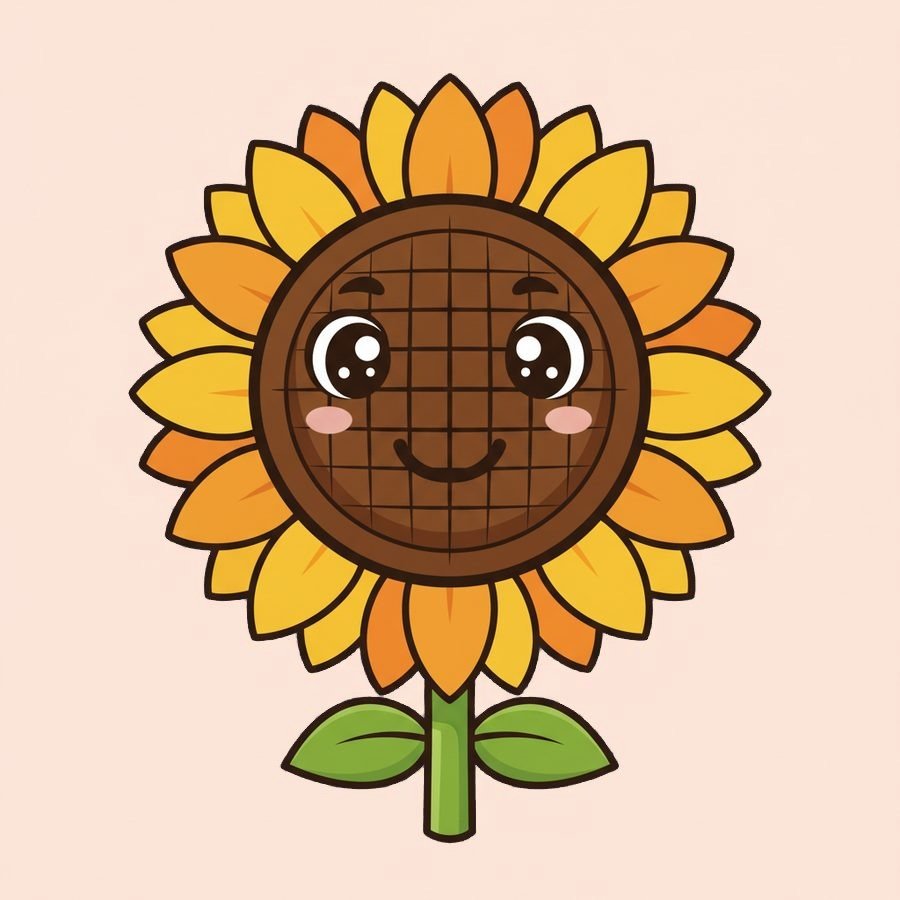
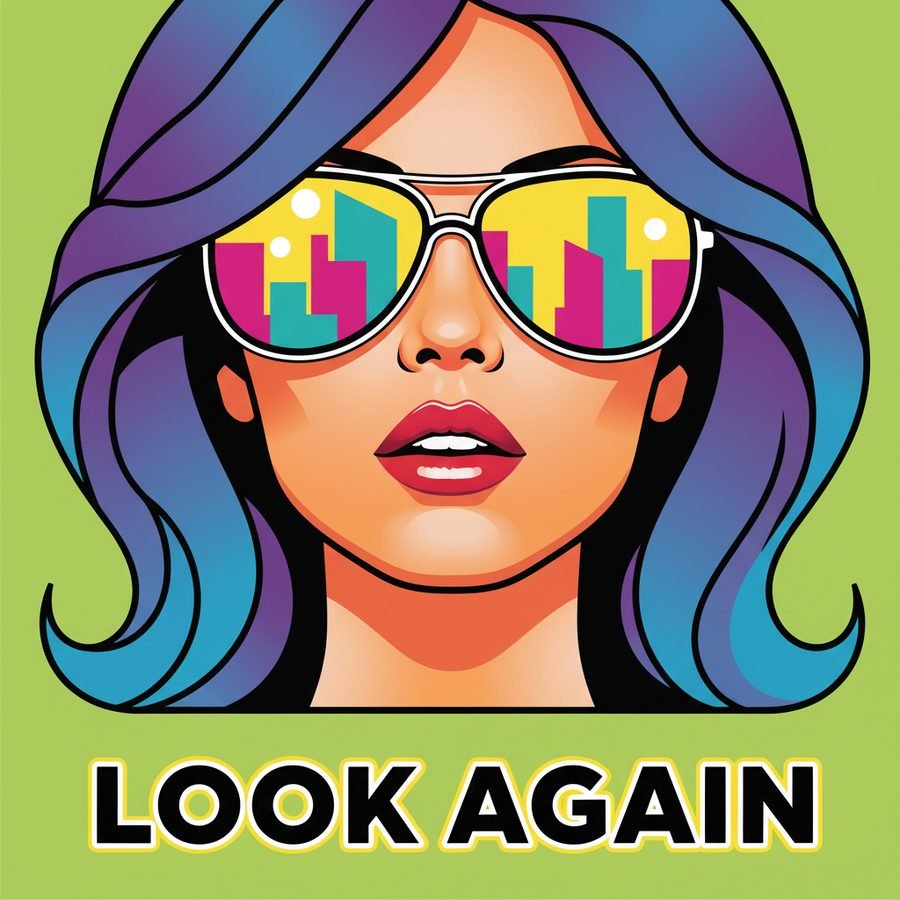
See the difference
Drag the line to compare the original with Nodal's SVG, then zoom in.



How it works
- 1
Drop an image
PNG, JPEG or WEBP up to 50 MB. Logos, icons, illustrations, scans.
- 2
Nodal traces it
Colours are grouped into clean regions, edges become smooth curves, shading becomes real gradients.
- 3
Edit and download
Recolour shapes in the editor, then download SVG or PNG. Open it in Illustrator, Figma or Inkscape.
Built for clean, usable vectors
Real curves, not pixels
Every shape is a smooth path that stays sharp at any size, from a favicon to a billboard.
Gradients kept as gradients
Soft shading is fitted to linear and radial gradients instead of being chopped into hundreds of bands.
Three detail levels
Simple for logos, Detailed for illustrations, or Auto to let Nodal choose from the image.
Shape editor built in
Click any shape to recolour it, swap a colour everywhere at once, reorder or delete shapes.
Private by design
Your images and vectors are kept in your own browser. Nothing you make is stored on our servers.
Generate with your own key
Describe an image and get a vector back, using your own OpenRouter, fal or OpenAI key at their cost.
Questions
Is Nodal really free?
Yes, while Nodal is in beta. Sign in with your email and vectorize as many images as you like. We'll tell you by email before anything changes.
Where are my designs stored?
In your browser, on your device. Our server processes the image and sends the result straight back without keeping a copy. Clearing your browser data removes your library, so download anything you want to keep.
Which files can I upload?
PNG, JPEG and WEBP images up to 50 MB. You get SVG back, plus a PNG export.
Can I use the results commercially?
Yes. You own what you upload and the vectors Nodal makes from it.